
Your Website Certificate Can Stop Working Before It Expires. 4 Checks Before the Holiday Weekend
Certificates usually fail when they expire, but this month several were cancelled or lost browser trust early. What happened, why it matters for a holiday weekend, and four simple checks for your team.
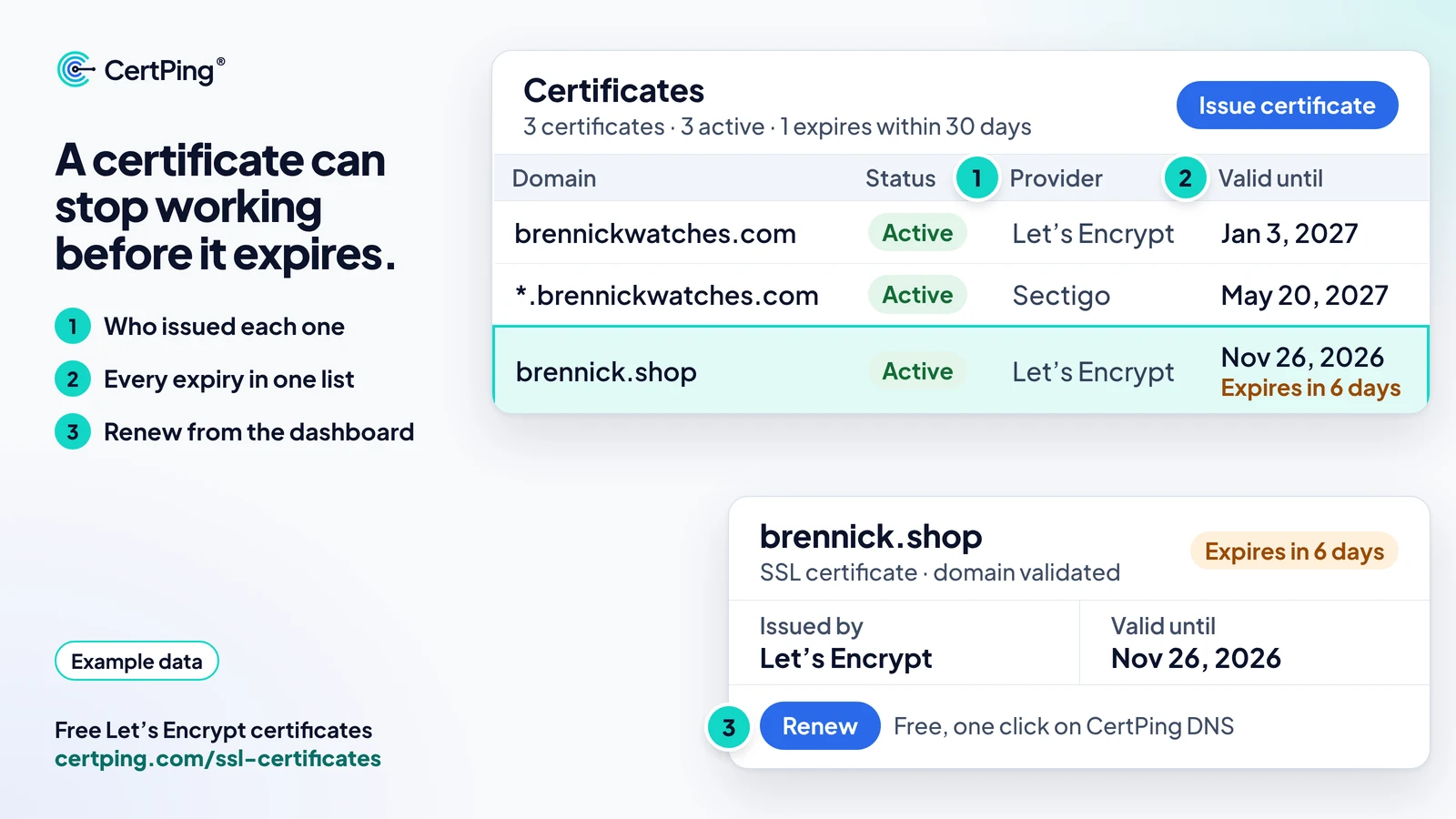
Most business owners think about their website's security certificate once a year, if at all: it renews, the padlock stays, nothing to see. A certificate is the small file that proves your site really belongs to your domain and keeps the connection private. When it stops being trusted, visitors see a full-page browser warning instead of your homepage, checkout or booking form, and most of them leave.
We usually talk about certificates expiring. This month showed a second way they fail: they can be cancelled or stop being trusted before their expiry date, sometimes with only days of notice.
What happened this month
These are separate events from different companies. Together they show that certificate changes can arrive on someone else's schedule, not yours.
- Trust removed for a whole certificate provider. After private keys at the certificate authority eMudhra were compromised, Microsoft said it would remove eMudhra's remaining root certificates from Windows, Edge and other products starting November 16, 2026, and Apple blocks the affected certificates in Safari and Mail. We covered what to check for eMudhra certificates in our November 16 post.
- Certificates cancelled for a rule mistake. Certificate seller FairSSL reported that DigiCert revoked three of its intermediate certificates (used by the RapidSSL, Thawte and GeoTrust ECC lines) on November 18, 2026, and every certificate issued from them had to be reissued and installed first. FairSSL notes that no keys were compromised; the certificates simply broke a technical rule.
- A real outage. On November 12, software company Astronomer reported a full outage of deployment access for about two hours after its certificate authority revoked a number of its certificates. Service returned once the certificates were replaced.
None of these were caused by the website owners. They were caused by changes at the certificate provider or in browsers. That is the point: your site can be set up correctly and still need a quick replacement.
Why this matters before a holiday weekend
Thanksgiving week and the shopping days after it are when many small teams are away, and when customers are most likely to visit. A browser warning on a quiet Friday can mean lost orders, missed bookings and calls asking "were you hacked?" The fix is usually simple, but only if someone knows it needs doing and can do it quickly.
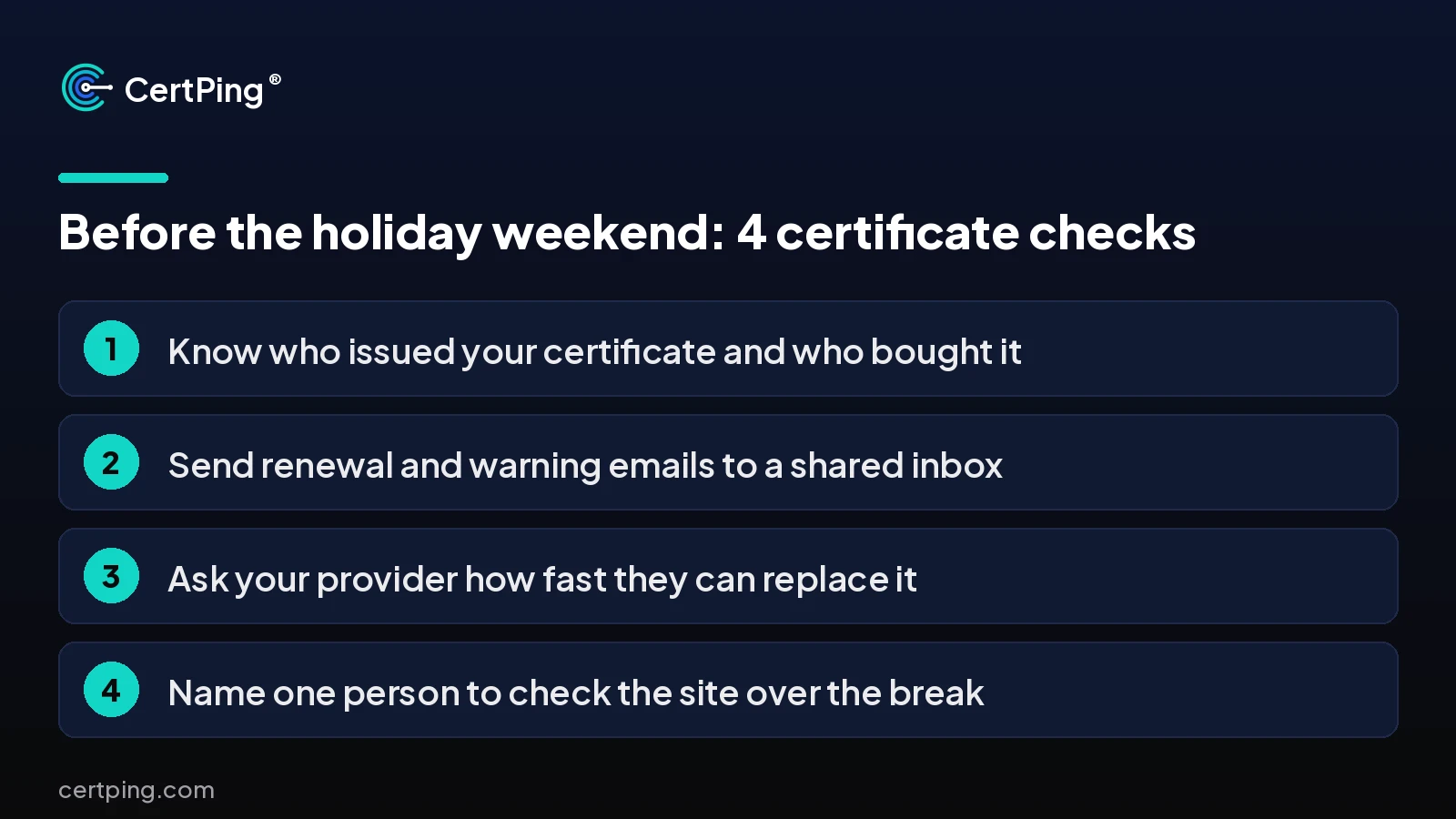
4 checks before the holiday weekend
1. Know who issued your certificate and who bought it. Click the padlock (or site icon) next to your address in the browser and look at "issued by". Then write down who manages it: your web host, your IT provider, a freelancer or your own team. If nobody knows, that is the first thing to fix.
2. Send renewal and warning emails to a shared inbox. Certificate providers and hosts send notices by email. If those go to a former employee or a personal address, the warning never reaches anyone. Use a shared address that more than one person reads.
3. Ask your provider how fast they can replace it. One plain question is enough: "If our certificate is cancelled early, how quickly can you put a new one in place, and how will you tell us?" Many providers can reissue for free; what matters is that someone is ready to install it.
4. Name one person to check the site over the break. Pick someone who will open the website, checkout and any customer login once a day over the long weekend, and who knows who to call if a warning appears.
Where CertPing fits
CertPing keeps your domains and their SSL certificates in one dashboard. It shows when each certificate expires, lets you renew from the same place, and can show that a certificate has been revoked when the certificate authority makes that information available. For sites hosted elsewhere, CertPing's website and SSL monitoring is available on request: it checks your sites hourly and emails you when a site goes down or a certificate nears expiry.
Monitoring tells you about a problem; it does not replace the certificate for you or stop a provider from revoking it. The four checks above are what make a fast fix possible.
Next step: see how CertPing shows every certificate's expiry at certping.com.