A Hijacked Domain, a Distrusted Certificate Authority and Calendar-Invite Phishing: What to Check This Week
Across Protocol's domain was hijacked through its registrar, browsers are distrusting eMudhra certificates from November 16, and a phishing campaign stole Google sessions through calendar invites. What happened and what to check.
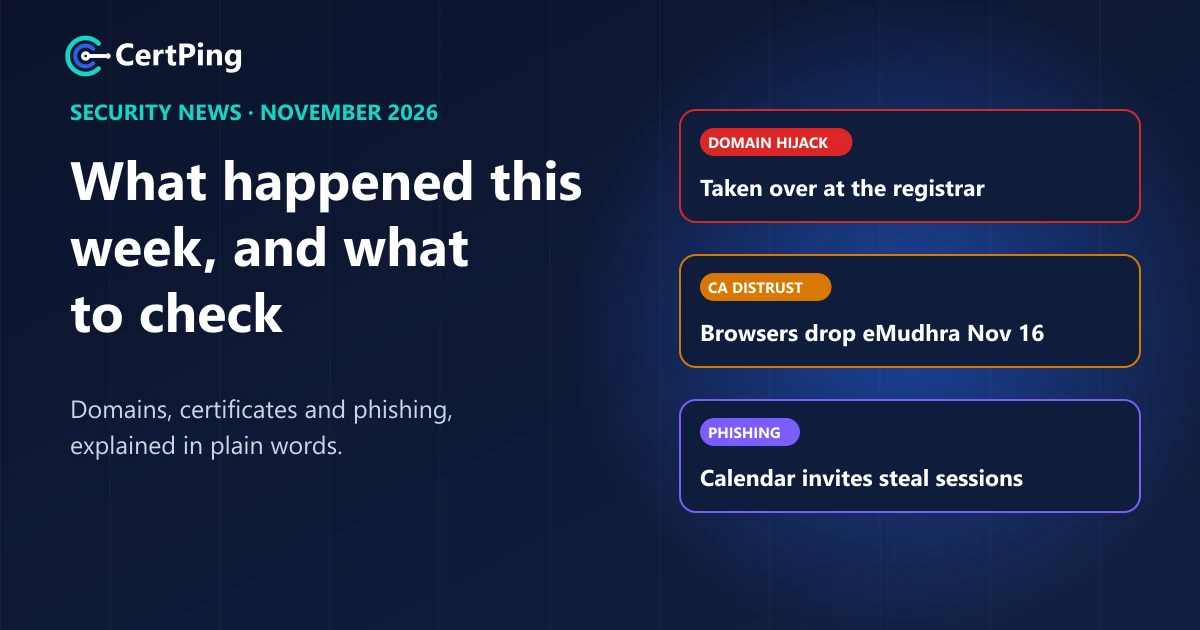
Three things happened in domain and certificate security in the past few days that every business with a website should know about. A company lost control of its own domain through its registrar. A certificate authority is being cut off by every major browser. And a phishing campaign used ordinary calendar invites to take over Google accounts, even ones protected by two-factor codes.
Here's what happened, in plain words, and the one thing to check after each.
1. A domain hijacked through its registrar
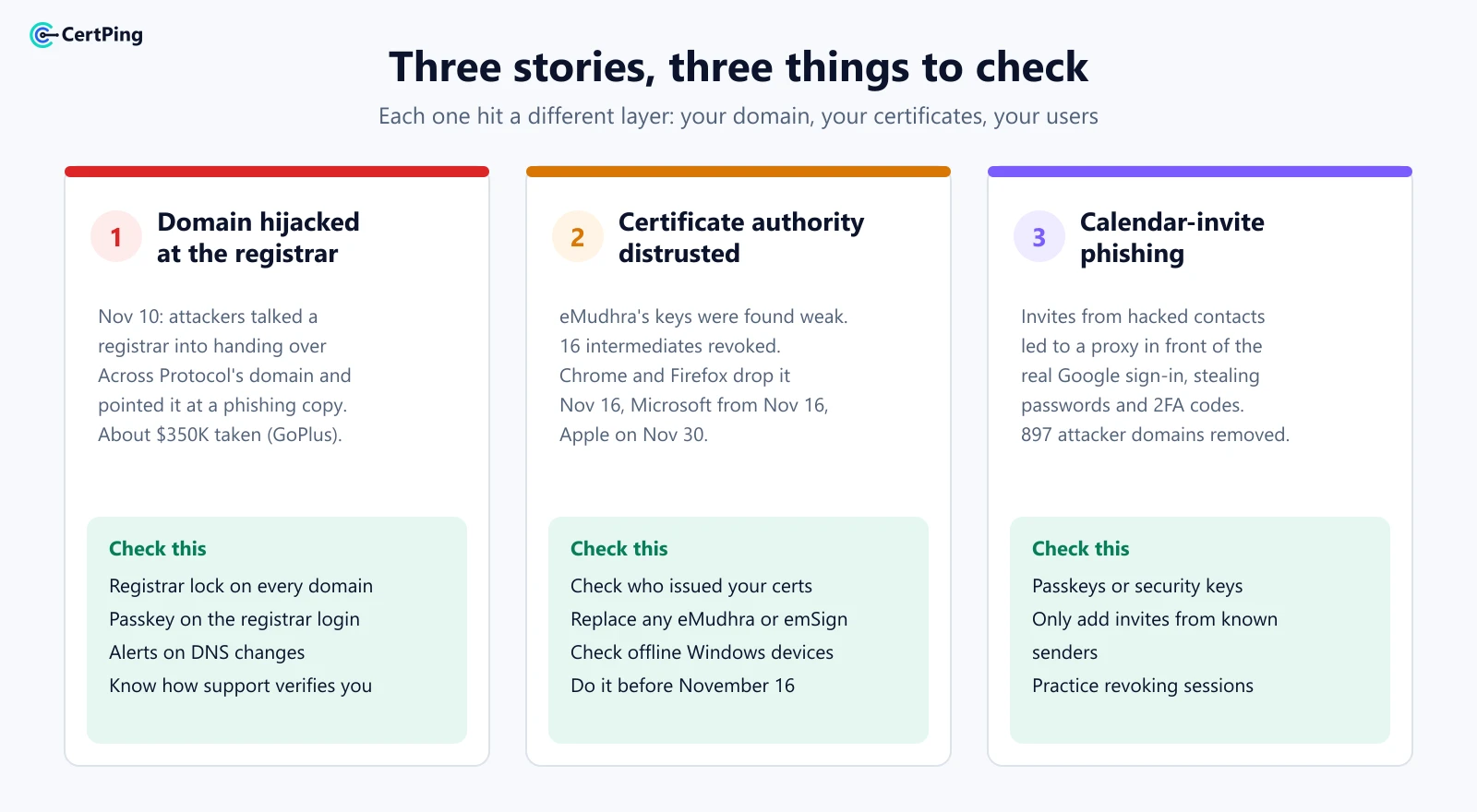
On November 10, attackers took over the official domain of Across Protocol, a crypto bridge, according to The Block. They didn't hack Across's servers or code. They social engineered its domain registrar, talking their way into control of the domain, and pointed it at a copy of the site built to steal from visitors.
Visitors who trusted the real address were asked to approve wallet transactions. Security firm GoPlus estimates about $350,000 was taken across several blockchains. Across hasn't confirmed that figure, but it says it was alerted within 15 minutes, restored its systems the next day and will make affected users whole.
Why it matters to you: your website, email and logins all depend on one account at your registrar. If someone gets into that account, or talks support into handing it over, they become you online. Your own servers don't matter at that point.
What to check:
- Turn on registrar lock (transfer lock) on every domain.
- Use the strongest login your registrar offers, ideally a passkey or security key, and remove old or shared logins.
- Know how your registrar verifies you. Ask what it takes for support to change your account, and add any extra account protection it offers.
- Watch your DNS. A change to your nameservers or main records that nobody asked for is the first sign of a hijack.
2. A certificate authority is being distrusted
eMudhra, a certificate authority, found that a bug in a script used when its keys were created in 2025 left several of its private keys weak enough to recover. According to Mozilla's incident report and Microsoft, eMudhra has revoked 16 of its intermediate certificates since October, and it's leaving the public SSL/TLS business.
The browsers are acting fast:
- Google Chrome and Mozilla Firefox stop trusting eMudhra's root on November 16, 2026.
- Microsoft starts removing eMudhra's remaining roots from November 16.
- Apple follows on November 30.
eMudhra says it has found no evidence the weak keys were misused. But once a certificate authority's keys can't be trusted, nothing it signed can be either.
Why it matters to you: if any of your websites or apps use a certificate from eMudhra, visitors will start seeing security warnings like "Your connection is not private" once their browser drops it.
What to check:
- Look at who issued your certificates. In the browser, click the icon next to the address and open the certificate details. Look for eMudhra or emSign in the issuer.
- Replace any eMudhra certificate now, before the deadlines, with one from another trusted certificate authority.
- Check internal devices too. Microsoft advises checking Windows and Azure machines that don't receive automatic trust updates.
3. Phishing through calendar invites
Security firm Material Security tracked a campaign, nicknamed Operation CloudFire, that has been stealing live Google sessions from businesses since mid-August, according to The Hacker News.
Victims got Google Calendar invites, often from people they already knew whose accounts had been hacked. The invites pretended to be voicemails, contract requests, court notices or missed payments. The link led to a page that sat in front of the real Google sign-in and passed everything through, capturing the password and the two-factor code as the victim typed them.
In one month, the researchers blocked about 68,000 of these messages and had 897 attacker domains taken down. They say the lures have since moved to Google Drive share invites, and they expect a Microsoft 365 version next.
Why it matters to you: this trick gets around SMS and app codes, because the victim really is signing in to Google. The attacker just watches from the middle. And because the invites came from real, hacked accounts, email authentication like DMARC can't block them.
What to check:
- Move to passkeys or security keys for Google and Microsoft accounts. They only work on the real site, so a proxy page can't use them.
- Stop auto-adding invites from strangers. In Google Calendar, you can choose to add invitations only from known senders.
- Treat unexpected invites like unexpected emails, especially ones about payments, legal notices or voicemails.
- Know how to sign someone out everywhere quickly. Practice revoking sessions and resetting an account before you need to.
How CertPing helps
These three stories hit three different layers: your domain, your certificates and your users. CertPing keeps all three in one place:
- Your domains, locked down. Register or transfer your domains with DNS and transfer lock included.
- Certificates you can trust. CertPing issues SSL certificates from Let's Encrypt and Sectigo, and shows every certificate you hold, with its issuer, in one dashboard. Let's Encrypt certificates are free on every plan.
- Catch copycat domains. Anti-phishing finds look-alike domains that copy your name, with the reason and risk for each one.
- Stop email spoofing of your own domain. Email security sets up SPF, DKIM and DMARC in one step.
- Free to start. Your first Domain Security bundle is free, and the Essentials plan has no monthly fee.
Check your domain with CertPing →
Frequently asked questions
What is domain hijacking?
Domain hijacking is when someone takes control of a domain they don't own, usually by getting into the owner's registrar account or tricking the registrar's support team. They can then redirect the website and email anywhere they like.
Do I need to do anything about the eMudhra distrust?
Only if one of your certificates was issued by eMudhra or emSign. Check the issuer of each certificate and replace any eMudhra ones before November 16.
Can two-factor authentication stop calendar-invite phishing?
SMS and app codes can't, because the attacker passes them through in real time. Passkeys and security keys can, because they only work on the real website.