SSL Certificate Expired? How to Check, Renew and Stop It Happening Again
What happens when an SSL certificate expires, how to check the expiry date in your browser, how to renew it step by step, and how to make sure it never happens again.
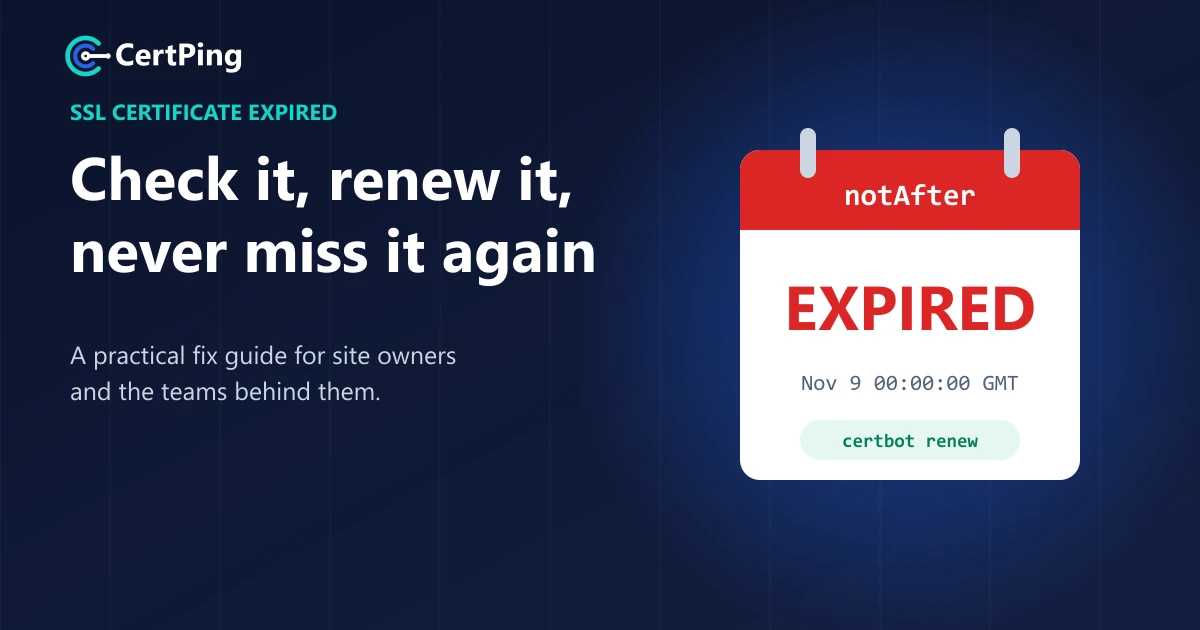
An expired SSL certificate can take a perfectly healthy website offline in one second. Nothing crashed and nobody hacked you. A date simply passed.
It happens to the biggest companies too. In 2020, Microsoft Teams went down for hours because a certificate expired. In 2018, an expired certificate knocked out mobile data for millions of O2 customers in the UK.
Here's what happens when your SSL certificate expires, how to check yours, and how to fix it fast.
What happens when an SSL certificate expires?
The moment it expires, browsers stop trusting your site. There's no grace period.
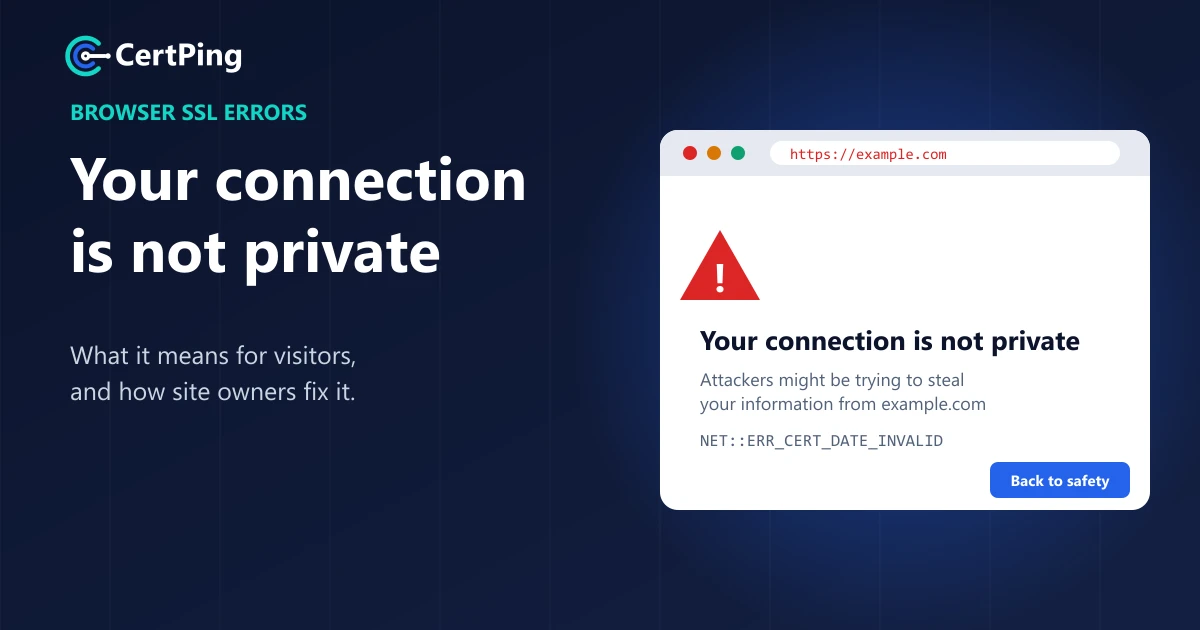
- Visitors see a full-page warning like "Your connection is not private". Most of them leave.
- Online shops lose sales because checkout pages show the warning too.
- Apps and integrations that talk to your site quietly stop working.
- Your brand takes a hit, because the warning tells people your site might not be safe.
How to check when your SSL certificate expires
The easiest way is in your browser:
- Open your website.
- Click the icon to the left of the web address.
- Open the certificate details and look for "Valid to" or "Expires on".
You can also paste your domain into any online SSL checker. It shows the expiry date and spots other problems too.
Remember to check every version of your site: example.com, www.example.com, shop.example.com and so on. Each one can use a different certificate.
How to renew an expired SSL certificate
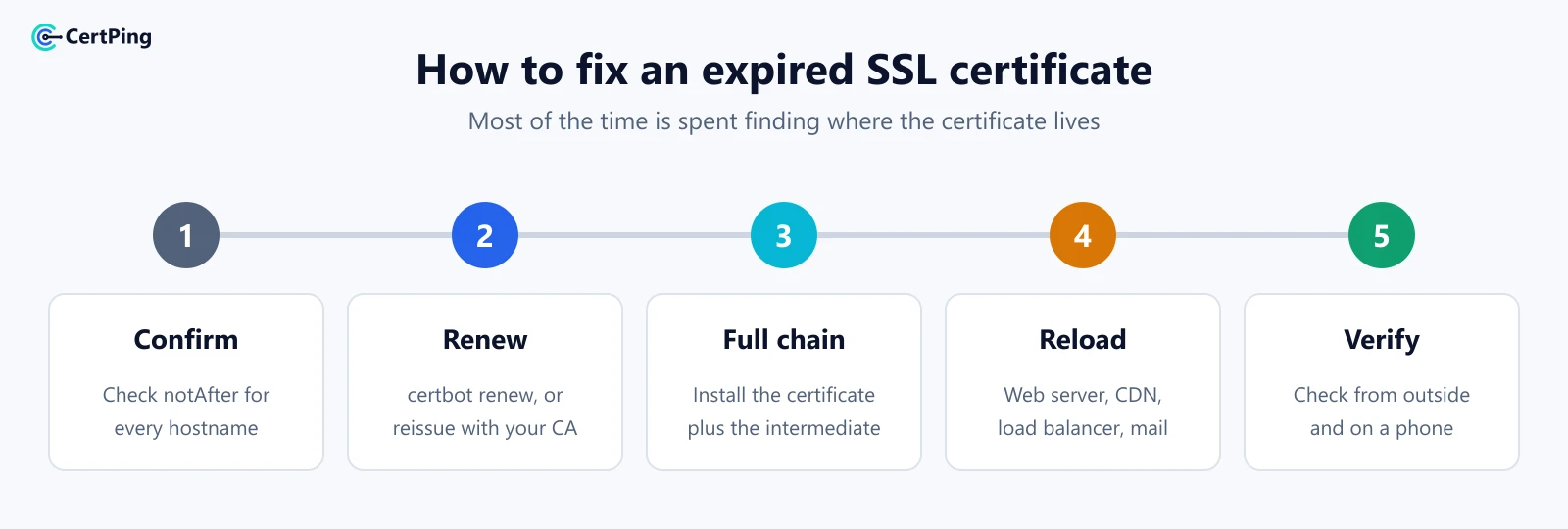
- Confirm it's expired. Check the expiry date as shown above.
- Renew it. With Let's Encrypt, renew through your tool or hosting panel (for example,
sudo certbot renew). With a paid certificate, renew with your provider and prove you own the domain again. - Install the full chain. Install your certificate together with the "intermediate" certificate your provider gives you, or phones may still show errors.
- Update everything that uses it. That means your web server, plus any CDN, load balancer or email server.
- Check it worked. Open the site in a private window and on your phone, and confirm the new expiry date.
Why certificates expire without anyone noticing
Nobody lets a certificate expire on purpose. These are the real reasons:
- The reminder emails stopped. Let's Encrypt stopped sending expiry emails in 2025, and paid providers often email someone who has left the company.
- The renewal job broke. An automatic renewal stopped working months ago after a server or DNS change, and nobody noticed.
- It's in a forgotten place. The main site was renewed, but a subdomain or load balancer wasn't.
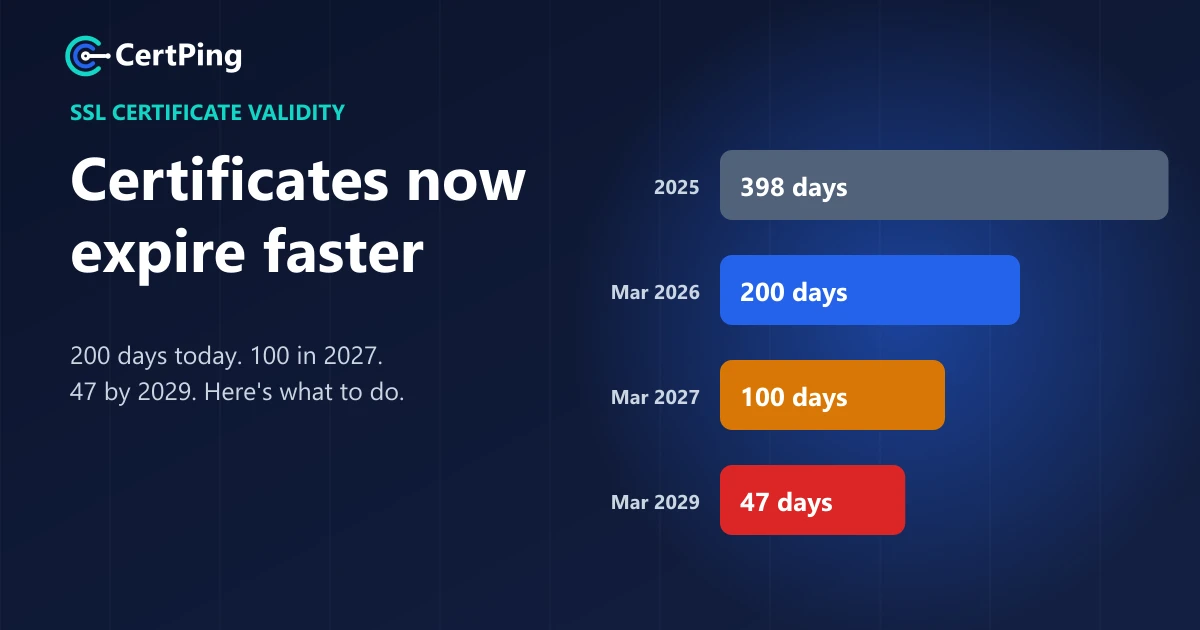
- Certificates expire faster now. Since March 2026 they last 200 days at most, and that drops to 100 days in 2027. Read our guide to SSL certificate validity changes.
For tips on catching problems early, see our guide to certificate monitoring and expiry alerts.
Never deal with an expired certificate again with CertPing
The best fix for an expired certificate is never having one. CertPing gives you one simple place to look after every certificate you own:
- Free SSL certificates. Let's Encrypt certificates are free on every plan, and renewing them from your dashboard is free too.
- See every expiry date at a glance. All your certificates live in one dashboard, so nothing hides on a forgotten server.
- Trusted certificates for every need. Free Let's Encrypt, or Sectigo PositiveSSL, Multi-Domain and Wildcard when you need them. See pricing.
- Uptime and SSL monitoring on request. Ask for website monitoring and we'll watch your site and its certificate for you.
- Free to start. The Essentials plan has no monthly fee and doesn't need a card.
Add your domain to CertPing for free →
Frequently asked questions
Can I still visit a site with an expired SSL certificate?
Your browser may let you click past the warning, but don't enter passwords or payment details. Some sites won't let you continue at all.
How long does it take to renew an SSL certificate?
A Let's Encrypt certificate renews in about a minute. A paid domain-validated certificate usually takes minutes. Business-validated certificates can take days, so don't leave those to the last week.
Does an expired SSL certificate hurt SEO?
A short outage rarely does lasting damage, but visitors bounce from the warning page. A long one can hurt your traffic and rankings.
How often do I need to renew an SSL certificate?
At least every 200 days today, every 100 days from March 2027 and every 47 days from March 2029. Let's Encrypt certificates last 90 days now and 64 days from February 2027.