Your Connection Is Not Private: What It Means and How to Fix It
What the "Your connection is not private" warning means in Chrome, Edge, Safari and Firefox, how visitors can fix it in minutes, and how site owners fix expired, mismatched or incomplete SSL certificates.
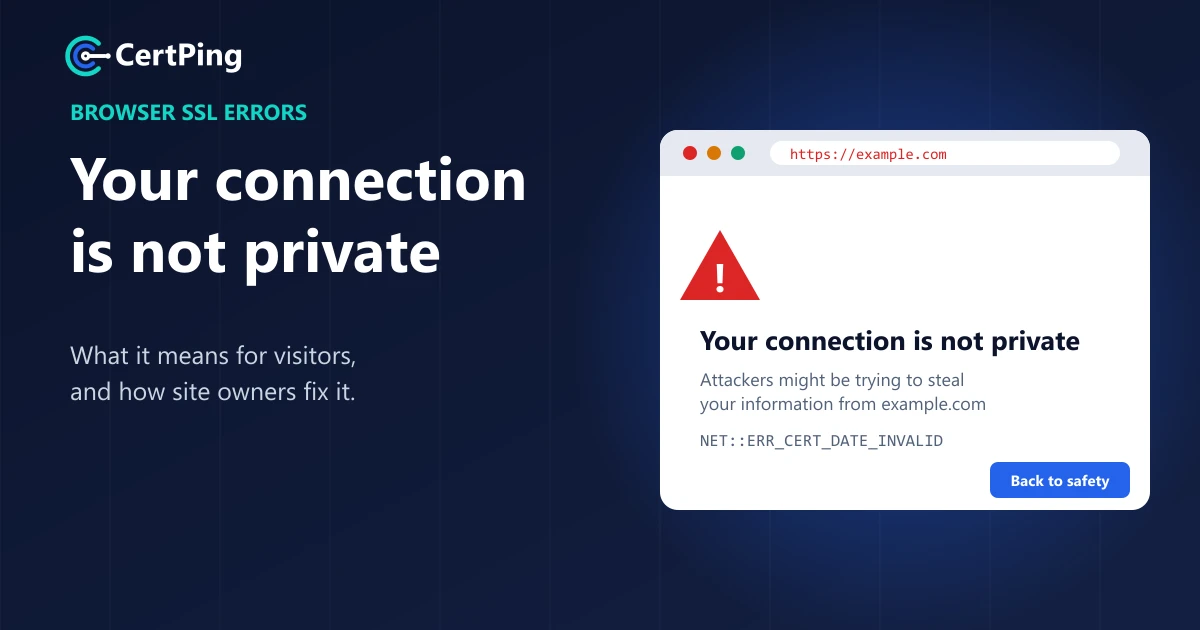
You click a link and instead of the page, you get a red warning: "Your connection is not private." Below it is a code like NET::ERR_CERT_DATE_INVALID and a big "Back to safety" button.
Scary, but usually not dangerous. Most of the time it means something simple: a wrong clock on your device, or a website that forgot to renew its SSL certificate.
Here's what the warning means and how to fix it, whether you're visiting the site or you own it.
What does "Your connection is not private" mean?
Every secure website (one that starts with https://) shows your browser an SSL certificate. Think of it as the website's ID card. Your browser checks that the ID card is:
- Not expired
- Issued for this exact website
- Issued by someone the browser trusts
If any check fails, the browser can't be sure who it's talking to, so it stops and warns you. Each browser words it a bit differently. Chrome says "Your connection is not private", Edge says "Your connection isn't private", Safari says "This connection is not private" and Firefox shows "Warning: Potential Security Risk Ahead".
The code under the warning tells you what went wrong. ERR_CERT_DATE_INVALID means expired, ERR_CERT_COMMON_NAME_INVALID means the wrong name, and ERR_CERT_AUTHORITY_INVALID means the issuer isn't trusted.
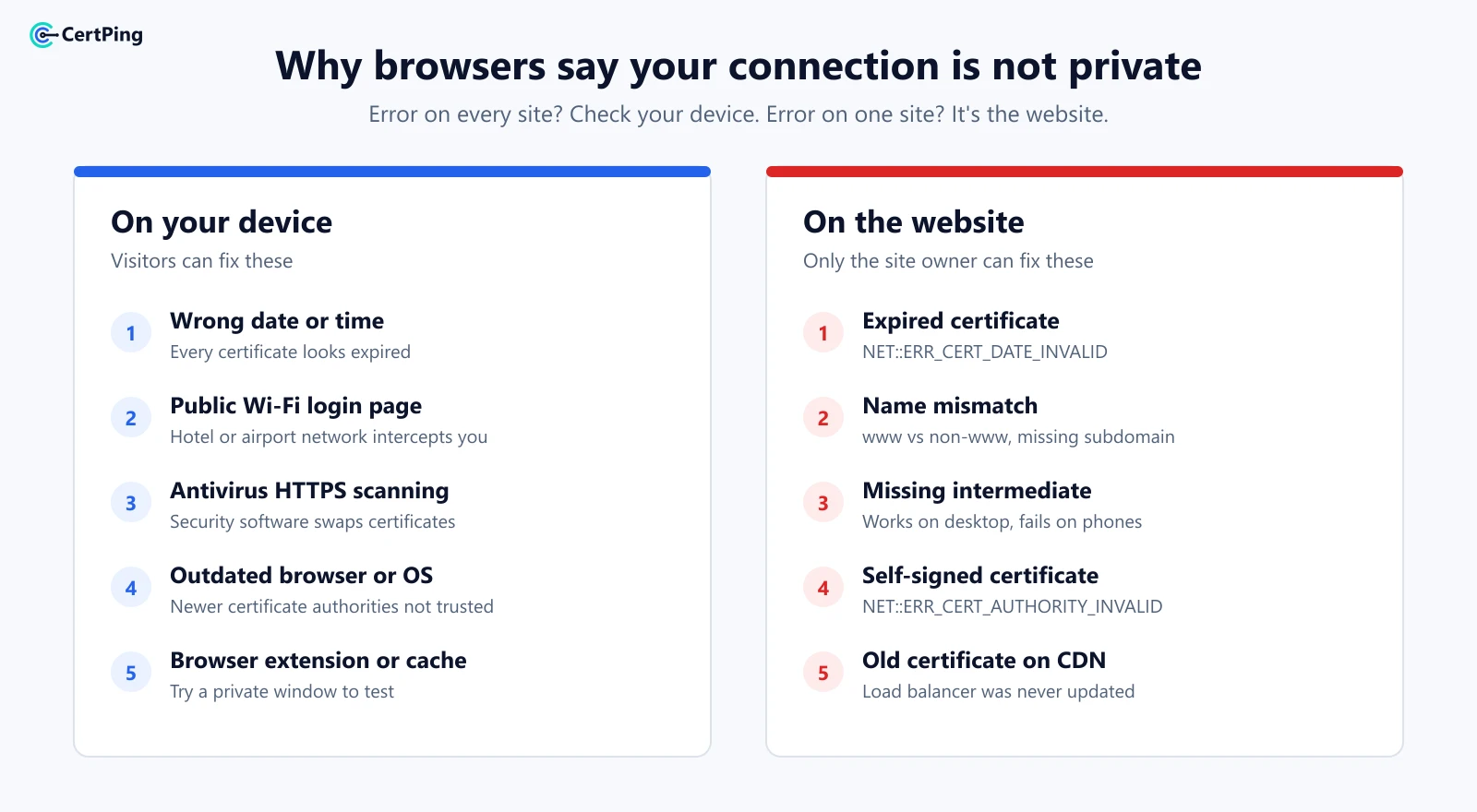
How to fix it if you're a visitor
Try these in order. The first three solve most cases.
- Reload the page. Sometimes it's just a network hiccup.
- Check your date and time. If your device's clock is wrong, every certificate looks expired. Turn on automatic date and time, then reload.
- On public Wi-Fi? Hotel, airport and café networks often need you to log in first. Open any regular website to bring up the login page, then try again.
- Try a private window. If it works there, clear your browser cache or switch off extensions.
- Pause your antivirus "HTTPS scanning". Some security apps interfere with certificates.
- Update your browser and device. Very old devices don't trust newer certificates.
A quick rule of thumb: if the warning shows up on every website, the problem is your device or network. If it shows up on one website, the problem is that website.
Should I click "Proceed anyway"?
Not on any page where you'd enter a password, card details or personal information. That's exactly what the warning is protecting you from.
How to fix it on your own website
If your visitors see this warning, one of these is almost always the reason:
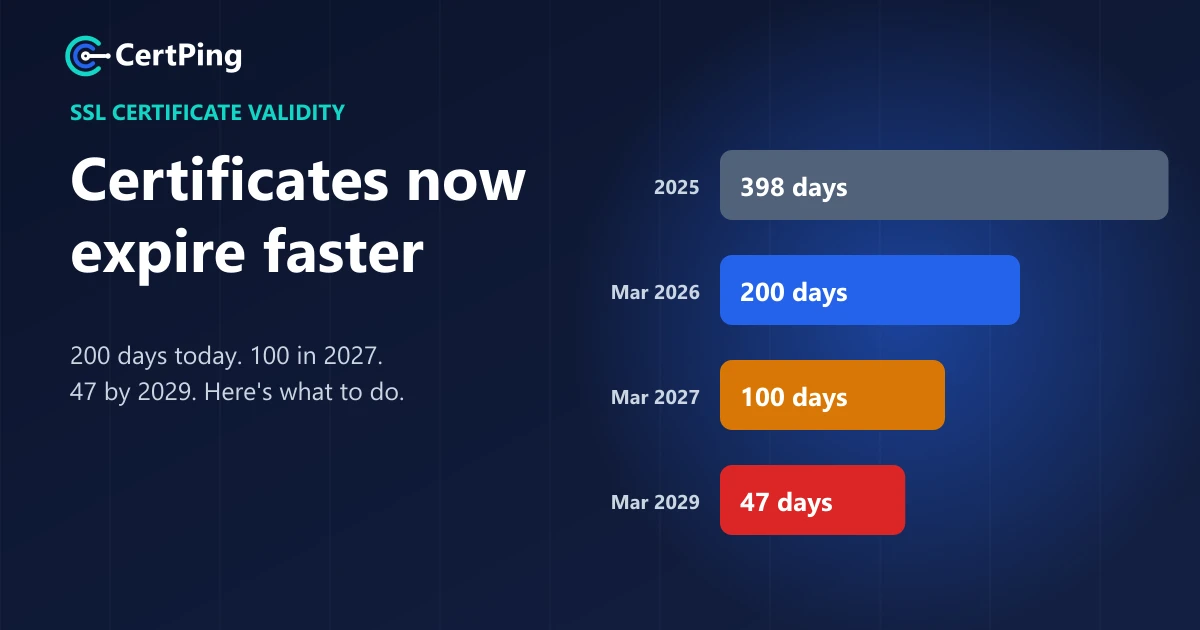
- Your SSL certificate expired. This is the most common cause by far, and it's happening more often now that certificates last 200 days at most. Renew it and install the new one. Our guide to SSL certificate validity changes explains why.
- The certificate doesn't cover the name visitors use. For example, it covers
example.combut notwww.example.com. Get a certificate that includes every name, or a wildcard for many subdomains. - A piece of the certificate chain is missing. Your server needs to send the "full chain", not just your certificate. A classic sign: the site works on your laptop but fails on phones.
- It's a self-signed certificate. Browsers don't trust certificates you made yourself. Use one from a trusted certificate authority.
- An old certificate is still on your CDN or load balancer. You renewed it on the server, but the service in front of it still shows the old one.
How CertPing keeps this warning off your site
Almost every "connection is not private" problem comes back to one thing: a certificate nobody was watching. CertPing fixes that:
- Free SSL certificates. Let's Encrypt certificates are free on every plan, and renewing them from your dashboard is free too.
- Trusted certificate authorities only. Certificates come from Let's Encrypt and Sectigo, so every major browser trusts them.
- Every certificate in one dashboard. No more forgotten subdomains or surprise expiry dates.
- Wildcard and multi-domain options. Cover
www, your shop, your app and every subdomain with Sectigo Wildcard or Multi-Domain certificates. See pricing. - No card needed to start. The Essentials plan has no monthly fee.
Get a free SSL certificate for your site →
Frequently asked questions
Is "Your connection is not private" a virus?
- It's a normal browser warning, not malware. But be careful with pop-ups that copy this warning and ask you to call a number or download something. Those are scams.
Why does it show on every website?
Check your device's date and time first. Then check whether you're on public Wi-Fi that needs a login, or whether antivirus software is scanning your HTTPS traffic.
Why does it show on my phone but not my computer?
Usually the website is missing part of its certificate chain, or your phone's date is wrong. Computers can sometimes fill in the missing piece on their own. Phones often can't.
How do I fix it on my website?
Check that your certificate hasn't expired, covers every name you use, and is installed with the full chain. Then check your CDN or load balancer.