AI Assistants Are Sending Shoppers to Fake Websites. How to Protect Your Brand Before Black Friday
AI assistants have recommended fake stores and invented web addresses that scammers then register, a trick called phantom squatting. What the research found and what businesses and shoppers should do.
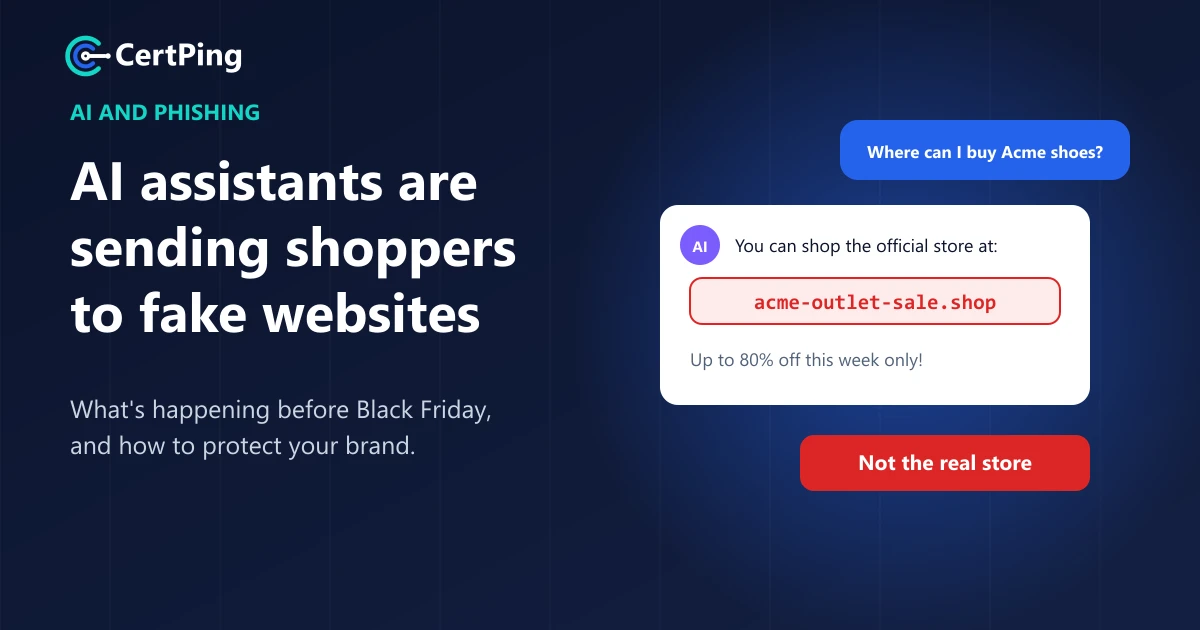
More people now ask ChatGPT, Gemini or Perplexity where to shop instead of searching Google. That's convenient. It's also a brand-new way for scammers to reach your customers, and two pieces of research show it's already happening.
AI assistants are recommending fake stores, and they're inventing website addresses that criminals then register. With Black Friday on November 27, here's what's going on and what to do about it, whether you run a business or just shop online.
AI assistants are recommending fake stores
In November, NordVPN published research on a network of more than 10,000 fake shopping domains pretending to be 166 fashion and luxury brands across 26 countries. The stores copy the real brand's look, language, currency and payment logos.
The new part: some of these fake stores showed up in AI answers. In NordVPN's tests in local languages, Perplexity recommended two of the counterfeit stores as trustworthy places to shop, and other sites from the same network were cited by ChatGPT and Gemini, according to reports on the research.
The scammers also worked to look legitimate to search engines. NordVPN found 597 of the domains had been verified in Google Search Console, the tool site owners use to manage how Google indexes them.
"Phantom squatting": when AI makes up a website
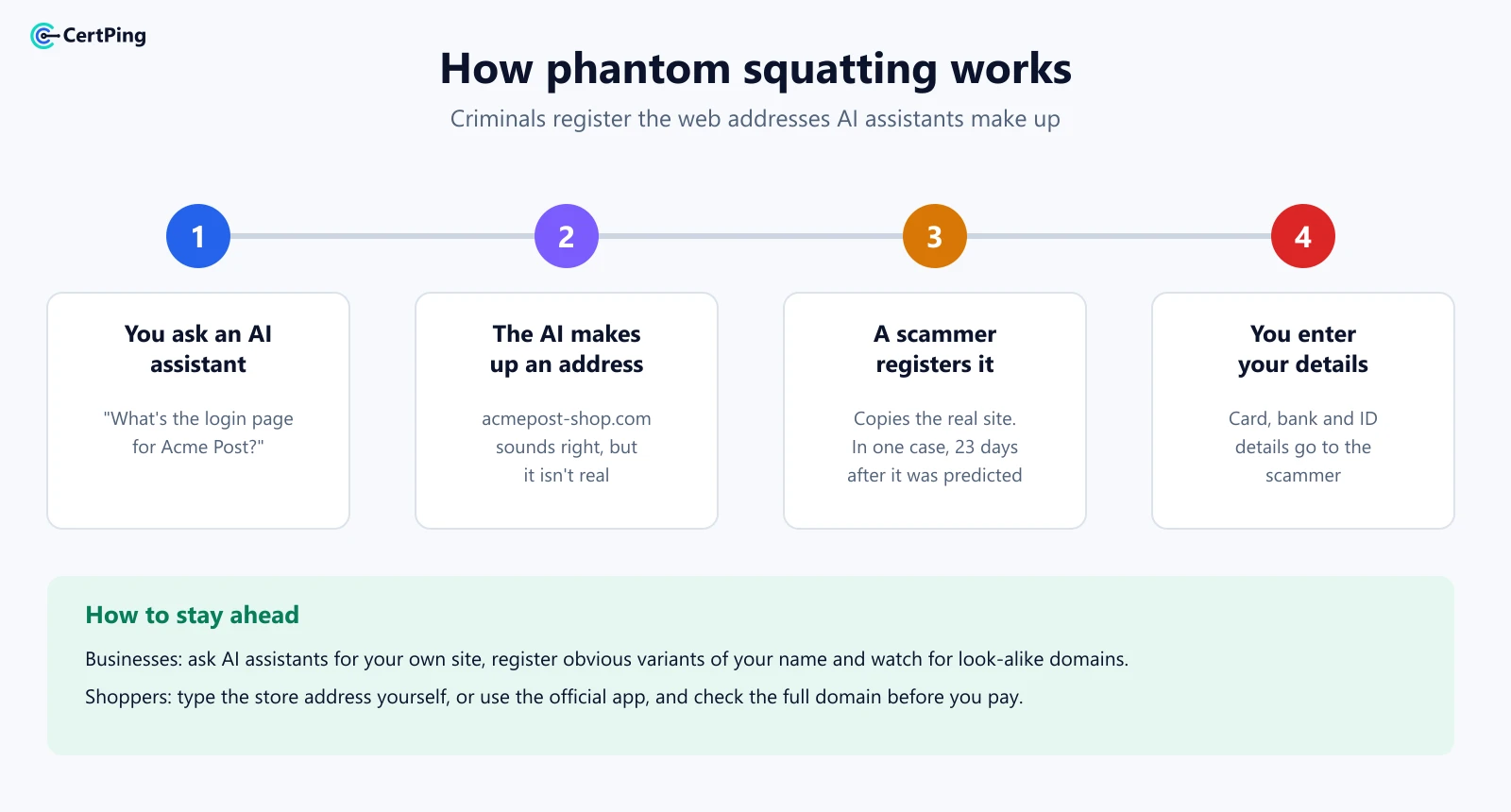
The second trick is sneakier. AI assistants sometimes hallucinate: they confidently give an answer that isn't true. Ask one for a brand's website or login page, and it may invent an address that looks right but doesn't exist.
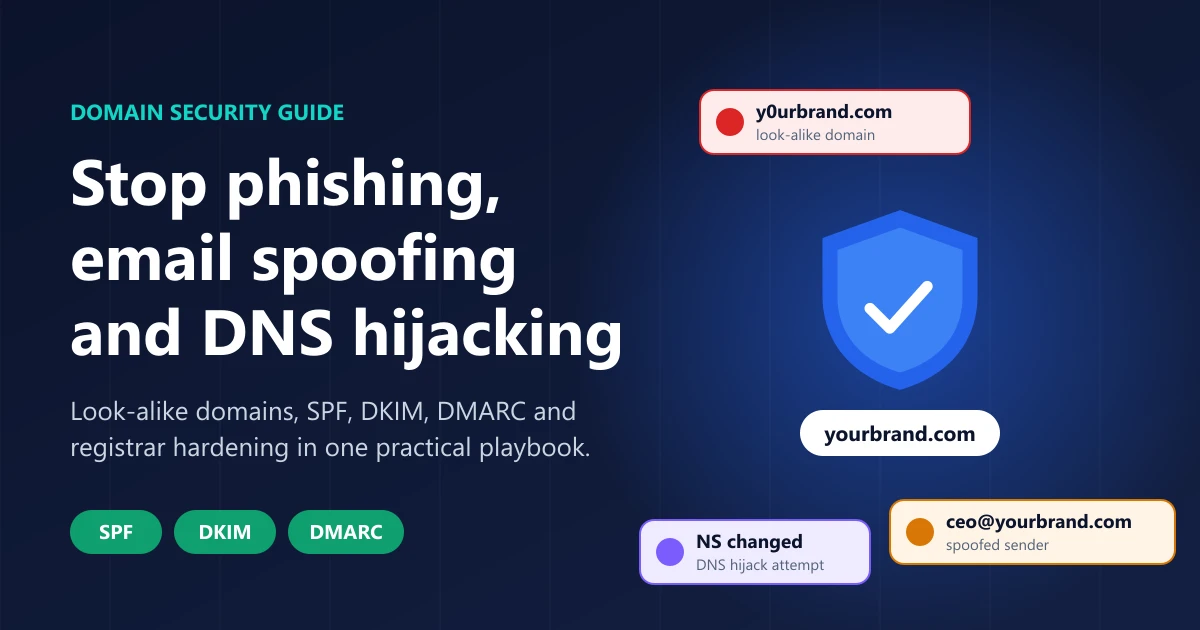
Researchers at Palo Alto Networks' Unit 42 call what happens next "phantom squatting". Criminals find the addresses AI tools tend to invent, register them, and put up phishing pages, as The Hacker News reported.
The numbers are big:
- Unit 42 asked two AI models 685,339 questions about 913 well-known brands.
- The answers contained 2.1 million web addresses, and 13,229 of them were confirmed malicious.
- About 250,000 of the invented domains were still unregistered, waiting for anyone to buy.
In one real case, Unit 42 predicted an address that AI kept inventing for a postal service's online shop. Twenty-three days later, an attacker registered that exact domain and launched a phishing kit that copied the real store and stole card numbers, bank details and ID information.
Why this is harder to catch
Most scam protection depends on reputation. Blocklists and browser warnings flag a site after it has behaved badly for a while. A brand-new domain that an AI just recommended has no history, so for its first hours or days, nothing warns the visitor.
And the AI's recommendation carries trust. People who'd never click a link in a strange email will happily click one their assistant suggested.
What businesses should do
If customers can find you through AI, scammers can pretend to be you there too. Here's where to start:
- Ask the AI about yourself. Ask ChatGPT, Gemini and Perplexity for your website, your login page and your support contact. Note any address that isn't yours.
- Register the obvious variants. Buy your name in the domain endings your customers use most, plus common versions like
yourbrand-shoporyourbrand-login, before someone else does. - Watch for look-alike domains. New domains that copy your name are often the first sign of a scam, so you want to know about them early.
- Make your real addresses easy to find. Put your official domains on your site, in your emails and on social profiles, and keep them consistent so AI tools learn the right ones.
- Protect your name legally. A registered trademark makes takedown requests and domain disputes much faster.
- Lock down your email domain. SPF, DKIM and DMARC stop scammers from sending email as your real domain, so customers can trust messages that really come from you.
What shoppers should do
- Type the store's address yourself, or use its official app, instead of clicking a link from an AI assistant, an ad or social media.
- Check the full domain before you pay.
brand-outlet-sale.shopis notbrand.com. - Be suspicious of huge discounts on luxury or popular brands, especially from a store you've never used.
- Pay with a credit card, not a bank transfer, so you can dispute a charge if something goes wrong.
How CertPing helps you protect your brand
CertPing helps you see and stop scammers who borrow your name:
- Catch look-alike domains. Anti-phishing finds domains that copy your name and tells you the reason and risk for each, so you can act before customers get hurt.
- Register the variants yourself. Search and register domains, with DNS and transfer lock included, in the same account.
- Protect your trademark. Trademarks lets you search and watch USPTO filings for marks like yours, and file through an independent trademark attorney.
- Stop email spoofing. Email security sets up SPF, DKIM and DMARC in one step.
- Your first Domain Security bundle is free. It covers a look-alike phishing watch for one domain, email security for one domain and a USPTO watch for one trademark.
Check your brand with CertPing →
Frequently asked questions
What is phantom squatting?
Phantom squatting is when criminals register website addresses that AI assistants make up, then use them for phishing or fake stores. The term was coined by researchers at Palo Alto Networks' Unit 42.
Can I trust shopping links from ChatGPT or other AI assistants?
Treat them like links from a stranger. Check the full domain, and if you know the brand, type its address yourself instead.
How do I know if scammers are using my brand's name?
Ask AI assistants for your website and support contacts, search for your name with words like "sale", "outlet" or "login", and use a look-alike domain watch that alerts you to new domains copying your name.
Is this only a Black Friday problem?
- Holiday sales bring more of it, but fake stores and phishing pages appear all year. The fix is the same: own your obvious domains and watch for new copies.