
Who Holds the Keys to Your Company Domain? 5 Checks Before Someone Leaves
Your website and email depend on one domain account, often set up by someone who has since moved on. Why that account matters, and five plain checks: owner, notice inbox, logins, registrar lock and auto-renew.
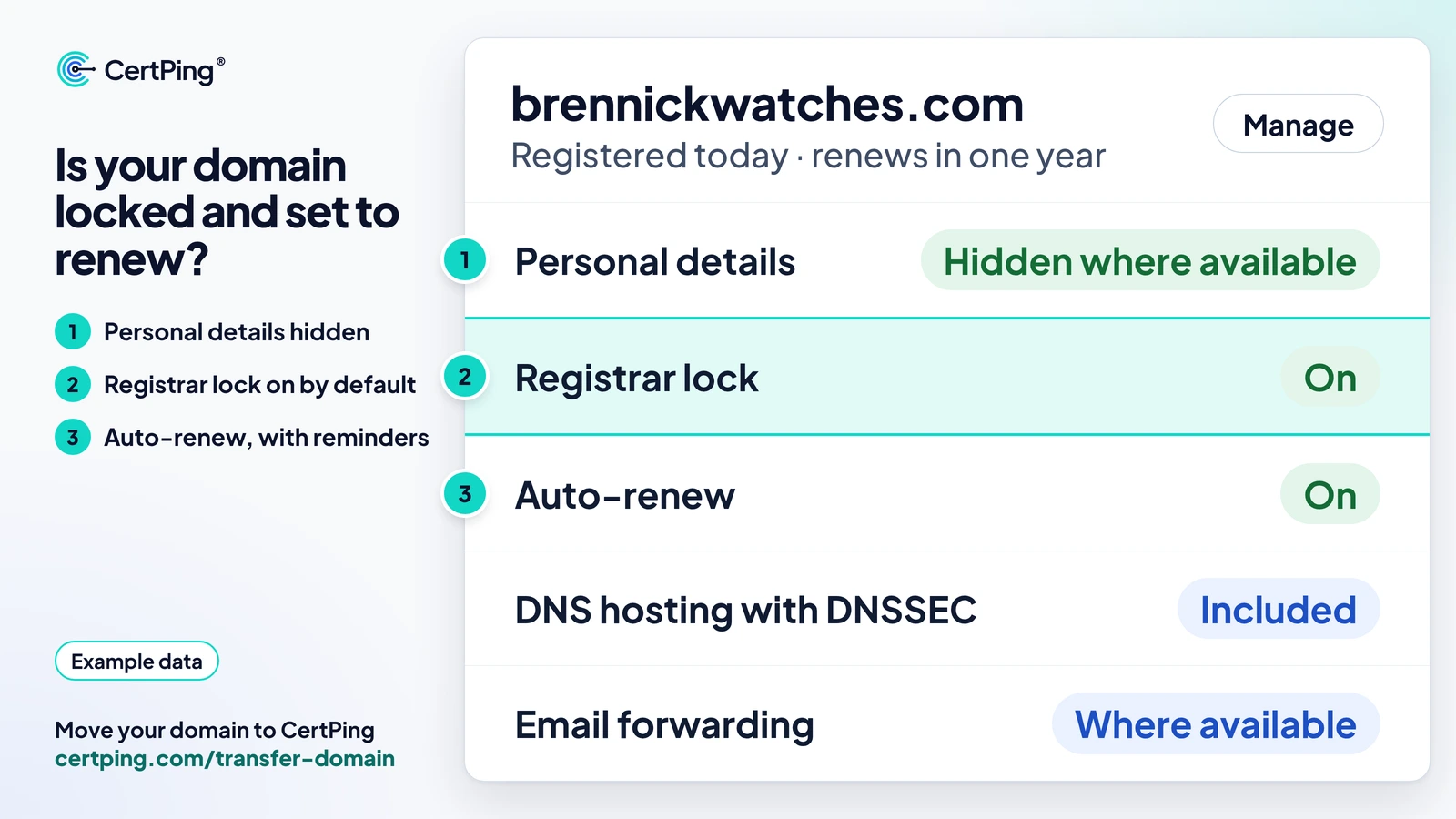
Your website and your company email both run on one thing: your domain name. And your domain sits in one account at a domain company, often set up years ago by a founder, a freelancer or an employee who has since moved on.
If nobody on your team knows who holds that account today, two things can go wrong. The renewal can be missed, and the website and email stop. Or someone else gets into the account and takes control of both.
Here are five checks any owner or office manager can do, with no technical skills.
Why the account matters more than the website
Domain companies must warn you before a domain expires. ICANN, the body that sets the rules for names like .com, requires them to send reminders about one month and one week before expiry, and another notice within five days after it (ICANN). Those reminders go to the contact details on the account. If that is a former employee's inbox, nobody reads them.
The login matters just as much. On October 29, the web performance monitoring company DebugBear said an unauthorised person had gained access to its domain registrar account. That gave them control of what its website served, and the company reported a five-day outage of its service. Nobody had to break into its servers. The domain account was enough.
5 checks to make this week
- Whose name is on the domain? The owner should be your company, not a person or an outside agency. If a former employee or a web designer is listed, ask your domain company how to change it while everyone is still on good terms.
- Which inbox gets the notices? Renewal and security emails should go to a shared address that more than one person reads, such as domains@ or it@ your company, not one person's mailbox.
- Who can log in? List everyone who has the login. Remove anyone who has left. Use the strongest sign-in your domain company offers, such as an authenticator app or a security key, rather than a shared password.
- Is the registrar lock on? This lock (also called a transfer lock) stops the domain being moved to another company unless you unlock it. It is usually one switch in the account. It does not protect you if someone already has your login, which is why check 3 matters.
- Will it renew on its own? Turn on auto-renew, check the expiry date, and make sure the card on file has not expired. Put the renewal date in a shared calendar as a backup.
What this looks like in CertPing
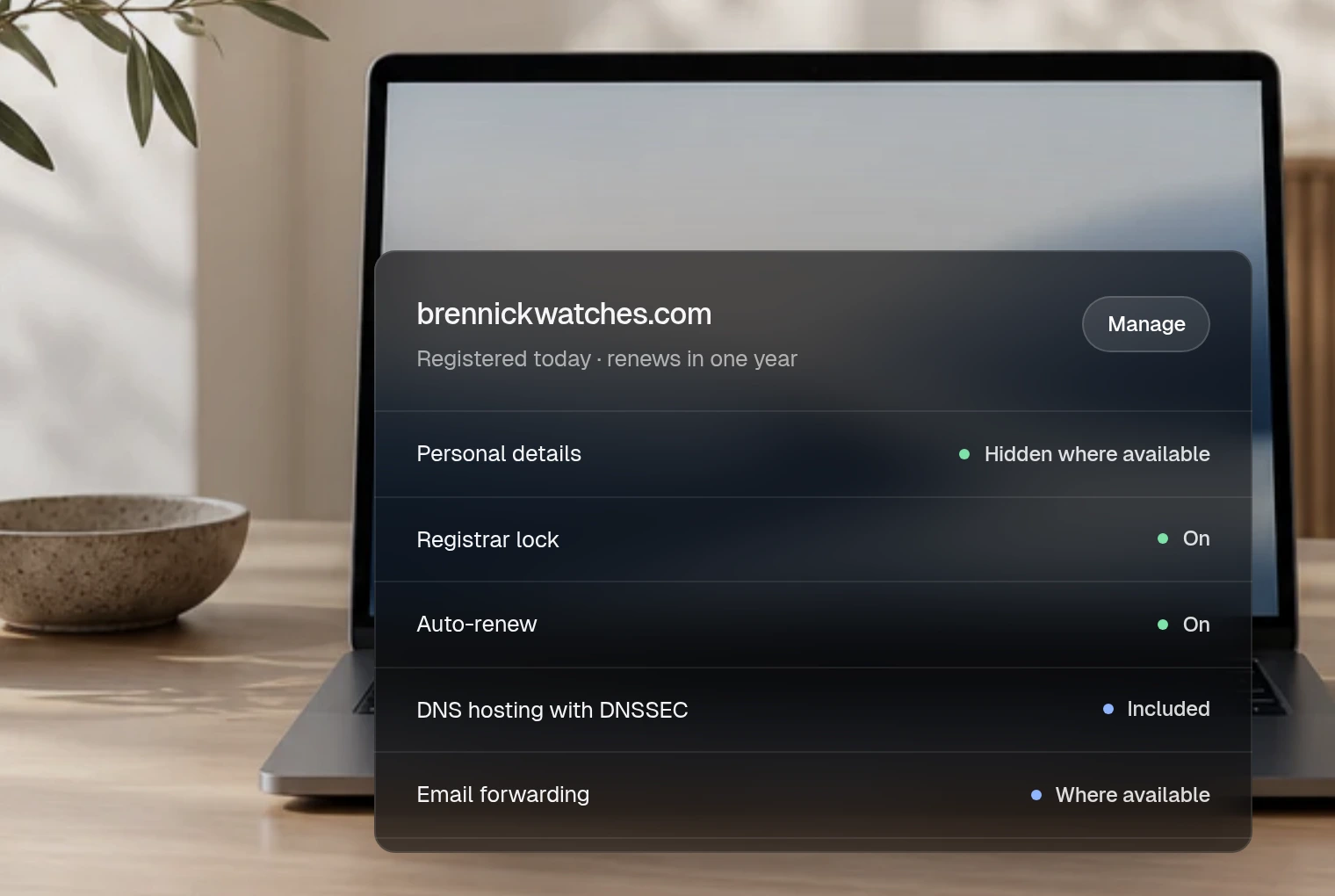
Example data: the domain view shown on certping.com, using the sample domain brennickwatches.com.
When you register or transfer a domain with CertPing, the main answers sit on one screen:
- Registrar lock is on by default, so the domain can't be transferred out without your approval.
- Auto-renew comes with email reminders about 30 and 7 days before each renewal date, and again after expiry if it hasn't renewed.
- The renewal price is shown before you buy, next to the first-year price.
- DNS hosting with DNSSEC is included, and your personal details are hidden in public lookups where the registry and our registrar allow it.
Moving an existing domain is a short process: unlock it at your current company, get the transfer code, and start the transfer in CertPing. CertPing copies your DNS records first, so your website and email stay online, and most transfers finish in five to seven days.
See how a domain transfer works →
Frequently asked questions
What is a registrar?
The company where your domain name is registered and renewed. You may know it as your domain provider.
Does a registrar lock stop all domain hijacking?
No. It stops the domain being moved to another company without your approval. Someone who has your account login could still change settings or remove the lock, so protecting the login matters too.
What happens if a domain expires?
The website and email that use it can stop working soon after the expiry date. Domain companies usually give a short window to renew after expiry, but the rules and fees vary, so renewing on time is the safe choice.